
Introduction
An XML Sitemap is a structured blueprint of a website designed to inform search engines like Google about available pages, their structure, and how often they are updated. It ensures search engine crawlers discover and index content efficiently.
A Google News Sitemap, on the other hand, is a specialized XML sitemap extension created specifically for news publishers. Because breaking news requires rapid discovery, indexing, and display in surface areas like Google News and Google Search top stories, a traditional sitemap is often too slow or broad. A News Sitemap allows publishers to send metadata specific to news content—such as publication names, languages, release dates, and titles — directly to Google's crawlers.
Technical Description & Structure
A News Sitemap extends the standard <urlset> schema by incorporating the Google News namespace (xmlns:news="[http://www.google.com/schemas/sitemap-news/0.9](http://www.google.com/schemas/sitemap-news/0.9)").
Key Rules & Requirements
According to Google Search Central guidelines:
- Timeframe Limit: Include only articles published in the last 2 days. Once an article passes the 48-hour mark, either remove the URL entirely from the news sitemap or remove its
<news:news>metadata tag. - Size Limit: A single news sitemap can contain up to 1,000
<news:news>tags. If you publish more than 1,000 news articles in a two-day window, split the sitemap into multiple smaller files and organize them with a sitemap index file. - Freshness: Keep updating a single sitemap with fresh articles as they are published rather than creating a brand-new sitemap for every update.
How to Validate Your XML News Sitemap
XML Specification:
News Sitemaps XML schemas
For elements specific to Images:
https://www.google.com/schemas/sitemap-news/0.9/sitemap-news.xsd
For core Sitemap elements:
https://www.sitemaps.org/schemas/sitemap/0.9/sitemap.xsd
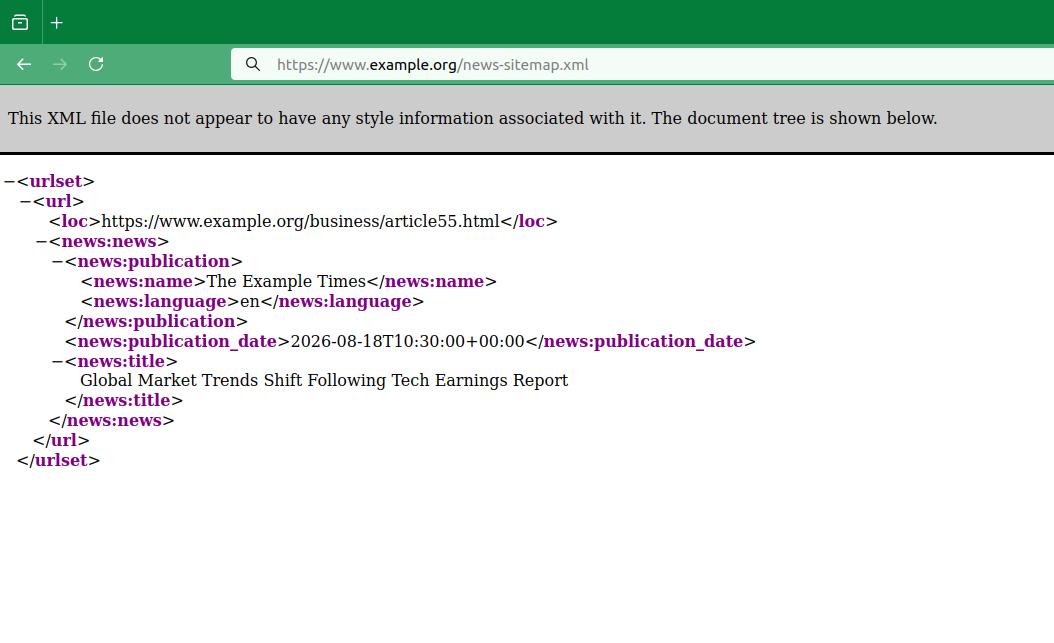
<urlset xmlns="http://www.sitemaps.org/schemas/sitemap/0.9"
xmlns:news="http://www.google.com/schemas/sitemap-news/0.9">
<url>
<loc>https://www.example.org/business/article55.html</loc>
<news:news>
<news:publication>
<news:name>The Example Times</news:name>
<news:language>en</news:language>
</news:publication>
<news:publication_date>2026-08-18T10:30:00+00:00</news:publication_date>
<news:title>Global Market Trends Shift Following Tech Earnings Report</news:title>
</news:news>
</url>
</urlset>
Valid Google News XML Sitemap featuring a single news entry.
XML Tags Breakdown
<news:news>- Required: The parent container for all news-specific tags under a<url>entry.<news:publication>- Required: Parent container holding<news:name>and<news:language>.<news:name>- Required: The exact publication name as it appears on news.google.com.<news:language>- Required: ISO 639 2- or 3-letter language code (e.g., en, es, orzh-cn).<news:publication_date>- Required: Original publication timestamp in W3C format (e.g.,YYYY-MM-DDThh:mm:ssTZD).<news:title>- Required: Exact headline/title of the article as displayed on the site.
Key Takeaways
- Focus on Fresh Content: Only include news articles published within the last 48 hours.
- Maintain Strict Limits: Stay under 1,000 URLs per news sitemap file to avoid crawl issues.
- Use Dedicated Sitemaps: While you can extend general sitemaps, maintaining a separate News Sitemap allows for precise tracking and performance monitoring in Google Search Console.
- Format Timestamps Accurately: Always supply the original publication time using valid W3C format (including time zones), rather than the time the URL was added to the sitemap.