
Understanding Video XML Sitemaps: How to Enhance Your Video SEO
Introduction
Video content plays a major role in driving user engagement and web traffic. However, search engine crawlers like Googlebot cannot "watch" videos to understand their context the way humans do. To index and display video content in Google Search and Google Videos features, search engines rely on clear metadata provided directly by webmasters.
A Video Sitemap is an XML sitemap extension specifically designed to give search engines detailed metadata about the video content hosted on your web pages. Implementing a video sitemap ensures that newly added, deeply nested, or dynamically loaded video content is discovered, understood, and indexed efficiently.
What is a Video Sitemap? (Description & Core Requirements)
A Video Sitemap is created by extending a standard XML sitemap with the video namespace (xmlns:video="[http://www.google.com/schemas/sitemap-video/1.1](http://www.google.com/schemas/sitemap-video/1.1)"). Within a standard <url> block, you append a <video:video> element containing relevant details such as thumbnail location, title, description, playable content URLs, duration, and access restrictions.
Essential Best Practices
- Relevance: Only include videos that directly relate to the main content of the host page. Avoid tagging minor decorative videos or unrelated addendums.
- Crawl Accessibility: All referenced file URLs (
content_loc,player_loc, thumbnail image) must be accessible toGooglebotwithout requiring logins, firewalls, orrobots.txtdisallow blocks. - Integration: You can create a dedicated XML video sitemap, or nest video extension tags directly into your existing site XML sitemap.
How to Validate Your XML Video Sitemap
XML Specification:
Video Sitemaps XML schemas
For elements specific to Images:
https://www.google.com/schemas/sitemap-video/1.1/sitemap-video.xsd
For core Sitemap elements:
https://www.sitemaps.org/schemas/sitemap/0.9/sitemap.xsd
<urlset xmlns="http://www.sitemaps.org/schemas/sitemap/0.9"
xmlns:video="http://www.google.com/schemas/sitemap-video/1.1">
<url>
<!-- Landing page hosting the video -->
<loc>https://www.example.com/videos/grilling-guide.html</loc>
<video:video>
<!-- Required Elements -->
<video:thumbnail_loc>https://www.example.com/thumbs/steak-guide.jpg</video:thumbnail_loc>
<video:title>How to Grill the Perfect Summer Steak</video:title>
<video:description>Learn step-by-step techniques to achieve perfect doneness on your outdoor grill.</video:description>
<!-- Media Source (at least player_loc or content_loc is required) -->
<video:content_loc>https://stream.example.com/media/steak-guide.mp4</video:content_loc>
<video:player_loc>https://www.example.com/player?video=123</video:player_loc>
<!-- Optional Metadata Elements -->
<video:duration>600</video:duration>
<video:publication_date>2026-05-15T09:00:00+00:00</video:publication_date>
<video:family_friendly>yes</video:family_friendly>
<video:live>no</video:live>
<video:tag>grilling</video:tag>
<video:tag>steak</video:tag>
</video:video>
</url>
</urlset>
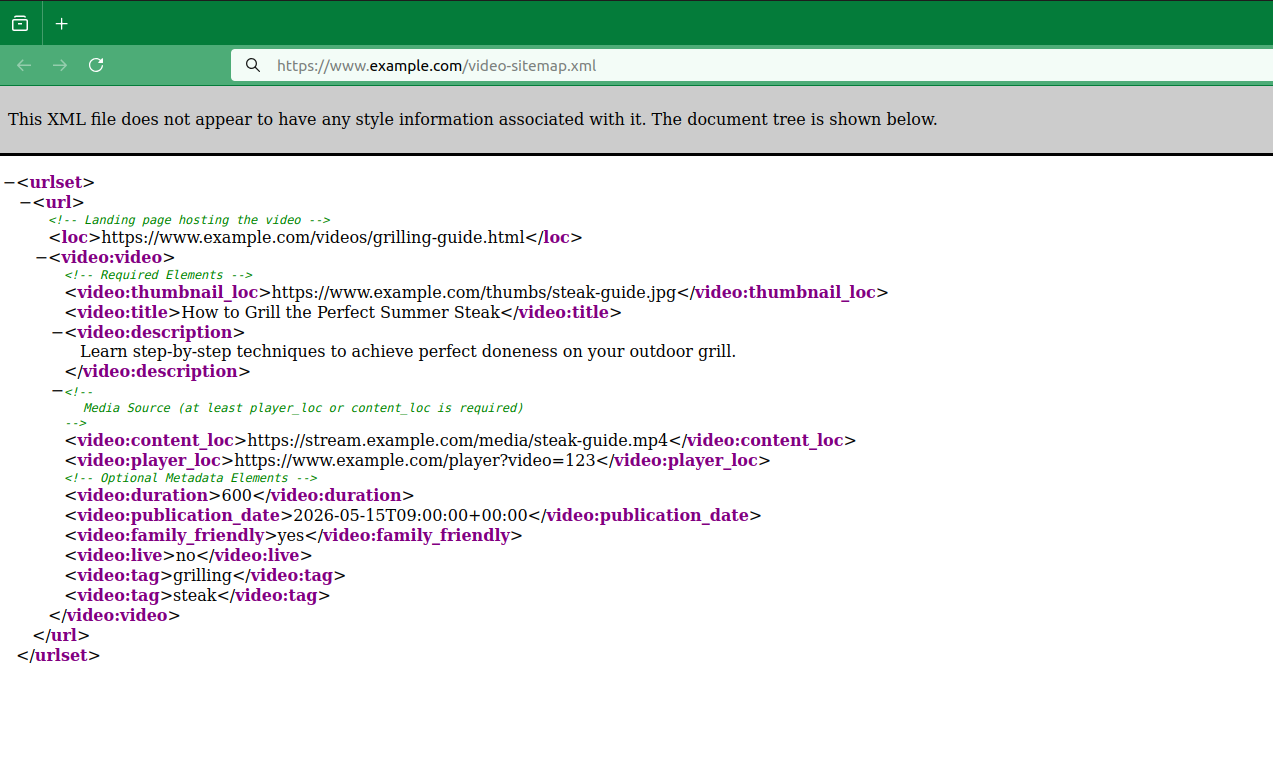
Standard XML sitemap structure containing a single web page URL (<loc>) with an embedded Video Sitemap extension detailing an instructional video.
Key Video Sitemap Tags
<video:thumbnail_loc>- Required URL pointing to the video thumbnail image.<video:title>Required - Title of the video (should align with title displayed on-page).<video:description>- Required Summary description (up to 2,048 characters).<video:content_loc>- Required* Direct URL pointing to the actual video file (.mp4, etc.).<video:player_loc>- Required* Embedded video player URL (e.g., YouTube orVimeoembed URL).<video:duration>- Optional Length of the video in seconds (1 to 28,800).<video:publication_date>- Optional Date video was first published (ISO 8601 format).
Key Takeaways & Summary
- Boost Search Visibility: Video sitemaps bridge the gap between media content and search crawlers, increasing the likelihood of rich video results in Google Search.
- Include Required Metadata: Always provide a
<video:thumbnail_loc>,<video:title>,<video:description>, and either<video:content_loc>or<video:player_loc>. - Ensure Technical Accessibility: Verify that Googlebot is not blocked by
robots.txt, firewalls, or paywalls when fetching video media files and thumbnails. - Flexible Implementation: Add video metadata directly into your core XML sitemap or maintain a separate video-focused XML sitemap file.