
Into
As a website grows, it inevitably attracts unwanted attention. Whether you are dealing with aggressive SEO scrapers ignoring your robots.txt rules, AI training bots cloning your data, or hacking tools scanning your directory structure, there comes a time when you must slam the door shut.
When your infrastructure relies on a standard Apache2 web server, you don't always need a complex, expensive firewall to protect your digital assets. Apache2 comes equipped with native, highly efficient modules designed to intercept and reject requests based on a client's identity. This guide will walk you through the precise steps required to block traffic by a specific User Agent or an entire phrase within a User Agent string.
Understanding the "Why" and "When"
A User Agent is a text string that a browser or bot sends to your server to identify itself (e.g., Mozilla/5.0... or Googlebot...). While malicious bots can fake this string, many bad actors, automated scripts, and content scrapers use distinct, static User Agents.
You typically need to deploy this defense when:
- Aggressive Scrapers: Rogue search engines or data-mining bots are indexing your site so aggressively that they are driving up your CPU usage.
- Vulnerability Scanners: Known hacking tools (like sqlmap, nikto, or dirbuster) are probing your site for open backdoors.
- AI Data Crawlers: You want to protect your original content from being scraped by AI training models that don't respect standard opt-out protocols.
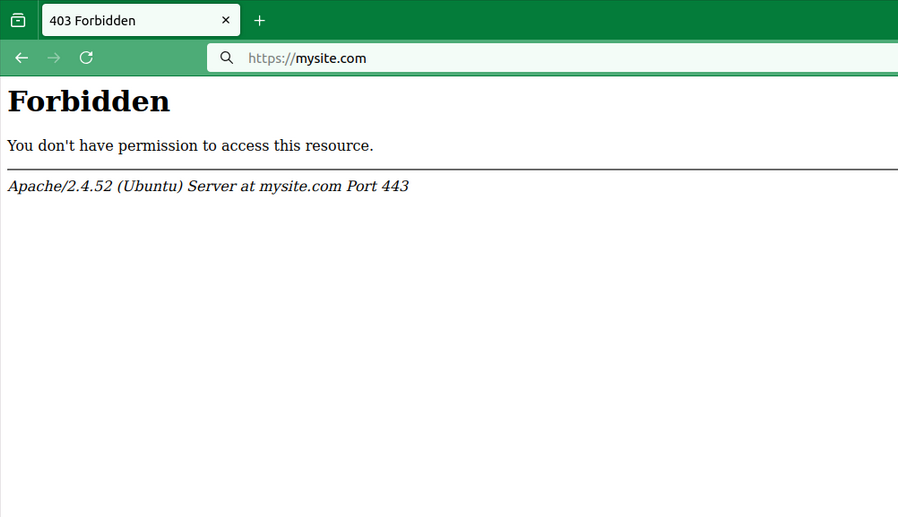
By leveraging Apache’s rewriting and access control mechanisms, you can instruct the server to immediately drop these connections with a 403 Forbidden error, preserving your database performance and application resources.
How-To Guide: Setting Up User Agent Blocking in Apache2
The most powerful and flexible way to block User Agents in Apache2 is by using the mod_rewrite module. It allows you to check incoming requests against specific text patterns using regular expressions.
You can implement these blocks in two places:
The Global/Virtual Host Configuration File (Recommended for performance).
The .htaccess File (Convenient if you do not have root server access).
Step: Identify the Target User Agent
Before blocking, examine your Apache access logs (usually located at /var/log/apache2/access.log) to find the exact string or unique part of the User Agent you want to stop.
Full string example: Mozilla/5.0 (compatible; BadBot/1.0; +[http://example.com/bot](http://example.com/bot))
The "Part" to block: BadBot (blocking just this word catches variations like BadBot/2.0).
# /etc/apache2/sites-available/your-site.conf
# Block a specific bad bot or part of a user agent (Case-Insensitive)
RewriteCond %{HTTP_USER_AGENT} (BadBot|sqlmap|nikto|dirbuster) [NC]
RewriteRule .* - [F,L]
Note: [NC] means "No Case" (case-insensitive search). [F,L] stands for "Forbidden" and "Last rule", telling Apache to instantly send a 403 error and stop processing further rules.
Need to be placed inside <VirtualHost> tag and require RewriteEngine to be On
RewriteCond %{HTTP_USER_AGENT} (BadBot|Scrapy|Python-urllib|AhrefsBot) [NC]
RewriteRule .* - [F,L]
.htaccess file in your web root directory
If you host multiple sites or don't want to restart Apache, you can use an .htaccess file in your website's root directory. (Note: Ensure AllowOverride All or AllowOverride FileInfo is enabled in your main Apache configuration for this to work).
Require RewriteEngine to be On
Summary
Manually blocking traffic by User Agent or a part of a User Agent string in Apache2 is a vital tool in any web administrator's toolkit. It provides an immediate, zero-cost mechanism to mitigate aggressive scrapers, silence common automated hacking tools, and safeguard server resources from bad actors who identify themselves in their requests.
While this method is incredibly effective for filtering out standard, non-stealthy bots, keep in mind that advanced attackers can easily spoof their User Agent to look like Googlebot or a standard Chrome browser. For heavy, distributed attacks where bots hide their identity, combining User Agent rules with network-level rate-limiting or an edge-layer Web Application Firewall (WAF) will ensure your server remains both secure and lightning-fast.