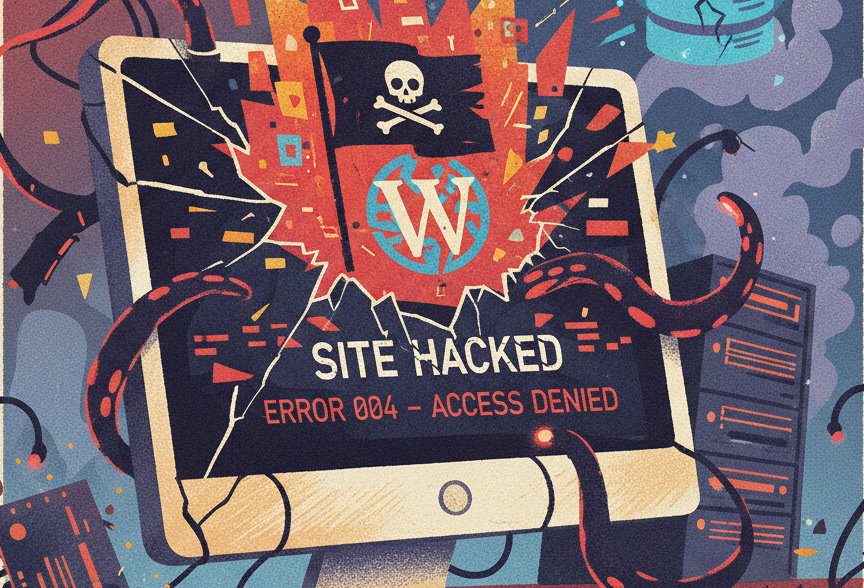
Finding out your WordPress site has been compromised is a heart-sinking moment, but it’s not the end of the road. Whether it’s a defaced homepage or a subtle "backdoor" script, the path to recovery requires a methodical, calm approach.
Here is your comprehensive guide to reclaiming your site and locking the doors for good.
Step 1: Immediate Containment
Before you can fix the damage, you have to stop the bleeding. If the hacker still has active access, they can undo your repairs in real-time.
1. Isolate the Website
- Go Offline: Put your site in maintenance mode or, better yet, take it offline via your hosting panel to prevent the spread of malware to visitors.
- Alert the Chain: Notify your internal team and your hosting provider. Many hosts have specialized tools to help quarantine infected accounts.
2. Assess the Situation
- Run a Scan: Use tools like Sucuri SiteCheck or the Wordfence plugin (if you can still access your dashboard) to identify the scope of the infection.
- Audit Logs: Check your server’s access logs for unusual IP addresses or spikes in activity at odd hours.
3. Change All Passwords
Assume every credential has been leaked. You must update:
- WordPress Admin accounts.
- FTP/SFTP accounts.
- Hosting Control Panel (cPanel/Plesk).
- Your Site’s Database (found in the wp-config.php file).
Pro Tip: Enforce Multi-Factor Authentication (MFA) immediately for all users.
Step 2: Thorough Remediation
Now that the site is isolated, it’s time to scrub the system clean.
1. Identify the Root Cause
Hackers usually get in through one of three doors: outdated plugins, weak passwords, or insecure hosting environments. Look for:
- Unauthorized new admin users.
- Recently modified files (check the wp-content and wp-includes folders).
- Suspicious PHP files that don't belong in your core directory.
2. Fix or Backup
- The Clean Restore: The fastest way back is restoring a backup from before the hack occurred.
- Manual Fix: If no backup exists, you must delete all WordPress core files and replace them with fresh copies from WordPress.org. Re-install all plugins and themes from original, trusted sources—never use "nulled" (pirated) themes.
3. Relaunch and Test
- Once the files are clean, bring the site back up in a staging environment first. Confirm that forms, checkouts, and logins work as expected before going live.
Step 3: Restoration and Recovery
A "fixed" site is only half the battle. You need to ensure it doesn't happen again and manage the fallout.
1. Strengthen Security
- Deploy a WAF: Use a Web Application Firewall like Cloudflare or Sucuri. This acts as a shield, filtering out malicious traffic before it even reaches your server.
- Backup Retention: Move from "occasional" backups to an automated, off-site daily backup policy.
2. Notify Stakeholders and Customers
Transparency is key to maintaining trust.
- Be Honest: If user data was compromised, notify your customers immediately.
- Legal Compliance: Ensure you are meeting GDPR or local data privacy laws regarding breach notifications.
3. Fix Your Reputation
- Google Search Console: If Google flagged your site as "Dangerous," request a review through Search Console once the site is clean.
- Monitor Brand Sentiment: Address concerns on social media proactively. A "we caught it, fixed it, and improved our security" narrative is much stronger than silence.