
Introduction
Is Bingbot Spamming Your Internal Search? Here’s How to find out.
It’s a heart-sinking moment for any site owner: you open your server logs or Google Analytics and see thousands of hits from Bingbot. Instead of crawling your high-quality content, it’s hitting random, nonsensical search queries like /?s=xyz or /?search=cheap-offer. It looks like a DDoS attack, but it’s actually your crawl budget being set on fire.
Here is how to diagnose the issue and stop the "spam" for good.
A critical next step is to verify the origin of these spam search queries. To achieve this, we must perform a detailed inspection of the access logs to confirm the source IP addresses and user agents. This will allow us to determine why the site is being targeted and identify the specific behavior of the bot.
Example Bingbot spam search queries
Example GET queries:

GET /search?text=Yesterday+we+have+allocated+laptop+to+Bushra.
GET /search?text=definition+of+public+officer+for+company+tax+return
GET /search?text=Can+24+Aldington+Street+Maddington+WA+be+subdivided+zoning
GET /search?text=what+is+the+population+of+the+city+that+Wolf+Point+International+Airport+is+in
GET /search?text=strategic+plan+2021
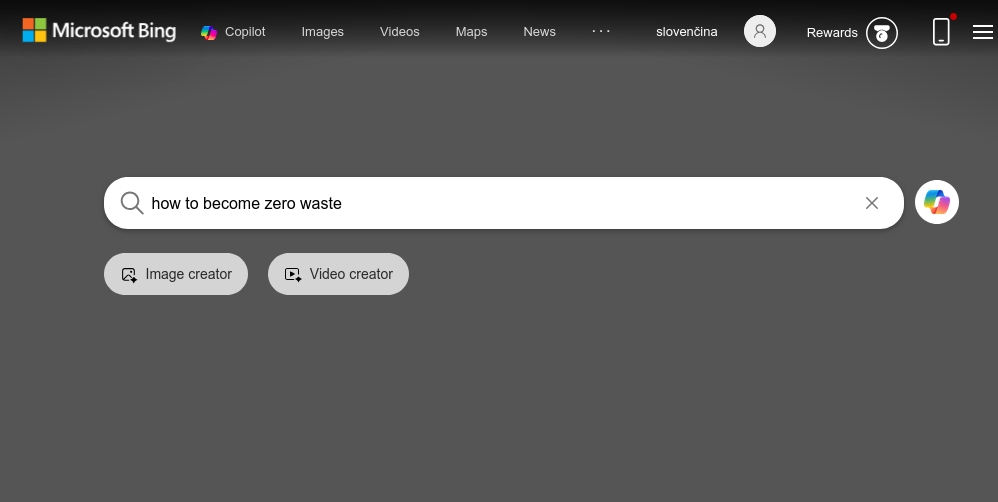
GET /search?text=how+to+become+zero+waste

Example Access.log records:
207.46.13.157 - - [10/Feb/2025:21:58:40 +0000] "GET /search?search_api_fulltext=RENT+STAINWAY HTTP/2.0" 403 199 "-" "Mozilla/5.0 AppleWebKit/537.36 (KHTML, like Gecko; compatible; bingbot/2.0; +http://www.bing.com/bingbot.htm) Chrome/116.0.1938.76 Safari/537.36" 0
207.46.13.157 - - [10/Feb/2025:21:58:40 +0000] "GET /search?search_api_fulltext=can+you+wash+your+dog+at+tractor+supply HTTP/2.0" 403 199 "-" "Mozilla/5.0 AppleWebKit/537.36 (KHTML, like Gecko; compatible; bingbot/2.0; +http://www.bing.com/bingbot.htm) Chrome/116.0.1938.76 Safari/537.36" 0
40.77.167.64 - - [10/Feb/2025:22:01:29 +0000] "GET /search?search_api_fulltext=how+to+create+a+3d+rotating+icon HTTP/2.0" 403 199 "-" "Mozilla/5.0 AppleWebKit/537.36 (KHTML, like Gecko; compatible; bingbot/2.0; +http://www.bing.com/bingbot.htm) Chrome/116.0.1938.76 Safari/537.36" 0
Following a brief investigation, we’ve identified that the spam queries are originating from a Microsoft sub-network, specifically triggered by the msnbot.
NetType:        Direct Allocation
Organization:   Microsoft Corporation (MSFT)
40.77.167.116
52.167.144.186
20.15.133.184
40.77.167.159
52.167.144.186
207.46.13.157
40.77.167.64

Reverse IP Lookup
msnbot-52-167-144-186.search.msn.com
msnbot-20-15-133-184.search.msn.com
Now that we have confirmed the spam queries are originating from the Microsoft Bingbot, we can implement several strategic approaches to mitigate this activity. By refining our crawl rate settings and updating our site directives, we can reduce the impact on our server resources without losing the benefits of SEO indexing.
Strategic Mitigation: Managing Aggressive Bingbot Activity
Once the Microsoft Bingbot has been identified as the source of excessive query traffic, the goal is to balance server stability with search engine visibility. Rather than a hard block—which could hurt your search rankings—consider the following tiered mitigation strategies:
Granular Crawl Control via Bing Webmaster Tools
The most effective way to communicate with Bing is through their dedicated dashboard. Within Bing Webmaster Tools, you can access the Crawl Control settings. This allows you to visually map out your server's "quiet hours" and instruct the bot to reduce its request frequency during your peak traffic windows. This ensures that legitimate human users take priority over automated indexing.
Refining Directives in robots.txt
If the bot is getting stuck in "search traps"—infinite loops created by search filters or dynamic parameters—you can use the robots.txt file to set hard boundaries. By adding specific Disallow rules, you prevent the bot from wasting "crawl budget" on low-value pages.
#Example robots.txt record to block Bingbot queries to the search feature:

User-agent: bingbot
Disallow: /search
Implementing Server-Side Rate Limiting
For a more robust defense, you can implement rate limiting at the infrastructure level (via Nginx, Apache, or a WAF like Cloudflare). This sets a threshold for how many requests a single crawler can make per second.
Implementing Server-Side Blocking /search
Can be implemented url/agent blocking at the infrastructure level (via Apache).
RewriteCond %{HTTP_USER_AGENT} Bingbot [NC]
RewriteCond %{REQUEST_URI} ^/search/?$ [NC]
RewriteRule .* - [F,L]
Edits to Apache2 .htaccess file,
Using this instructions, we are blocking an access to the site url /search/* for Bingbot Agent
Summary
Bingbot "spamming" search queries is usually a technical misunderstanding between your site’s architecture and the bot's crawling logic.
By verifying the bot, blocking the parameters in robots.txt or on a server level and using Webmaster Tools, you can reclaim your crawl budget and focus Bing’s energy on the pages that actually make you money.